
Exact color reference
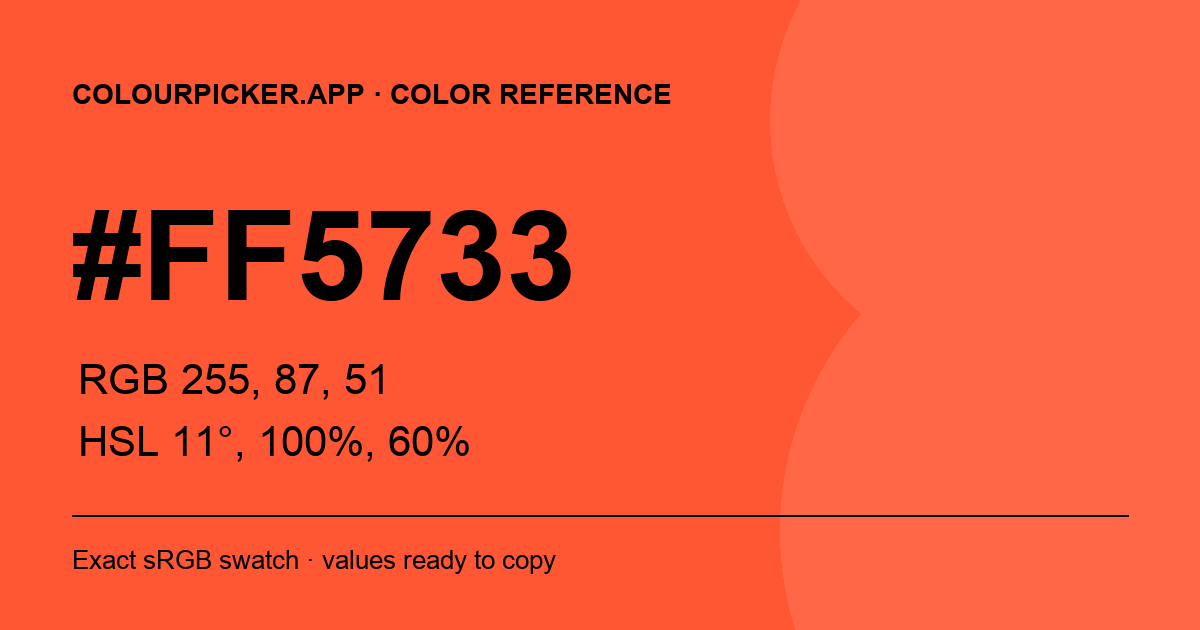
#FF5733 Color
A vivid warm orange-red. Copy its exact color values, compare readable foregrounds and explore lighter or darker variations without changing the source swatch.
#FF5733sRGB
#FF5733 color values
HEX
#FF5733RGB
rgb(255, 87, 51)HSL
hsl(11, 100%, 60%)OKLCH
oklch(68.036% 0.210 33.7)Tints
Mixed toward white
#FF795C
20% white
#FF9A85
40% white
#FFBCAD
60% white
#FFDDD6
80% white
Shades
Mixed toward black
#CC4629
20% black
#99341F
40% black
#662314
60% black
#33110A
80% black
Text contrast on #FF5733
Black is the stronger of the two standard text choices for this background.
Black text on #FF5733
6.66:1
WCAG AA: Pass · WCAG AAA: Fail
White text on #FF5733
3.15:1
WCAG AA: Fail · WCAG AAA: Fail
Use #FF5733 in CSS
The strong chroma makes #FF5733 effective for accents, calls to action and highlights. Because white body text does not reach WCAG AA contrast on this background, prefer black or another verified dark foreground.
CSS
:root {
  --color-ff5733: #FF5733;
}

.color-ff5733 {
  color: #FF5733;
}

.bg-ff5733 {
  background-color: #FF5733;
  color: #000000;
}
Frequently Asked Questions
- What color is #FF5733?
- #FF5733 is a vivid warm orange-red made from red 255, green 87 and blue 51. The swatch on this page is rendered from that exact sRGB value.
- What are the RGB and HSL values for #FF5733?
- #FF5733 converts to rgb(255, 87, 51) and approximately hsl(11, 100%, 60%). The page also provides a copyable OKLCH value.
- Should I use black or white text on #FF5733?
- Black provides stronger contrast on #FF5733 and passes WCAG AA for normal text. White does not reach the 4.5:1 AA threshold for normal text on this color.
- How do I use #FF5733 in CSS?
- Use declarations such as color: #FF5733 or background-color: #FF5733, or save it as a custom property such as --color-accent: #FF5733.